Slack
Overview
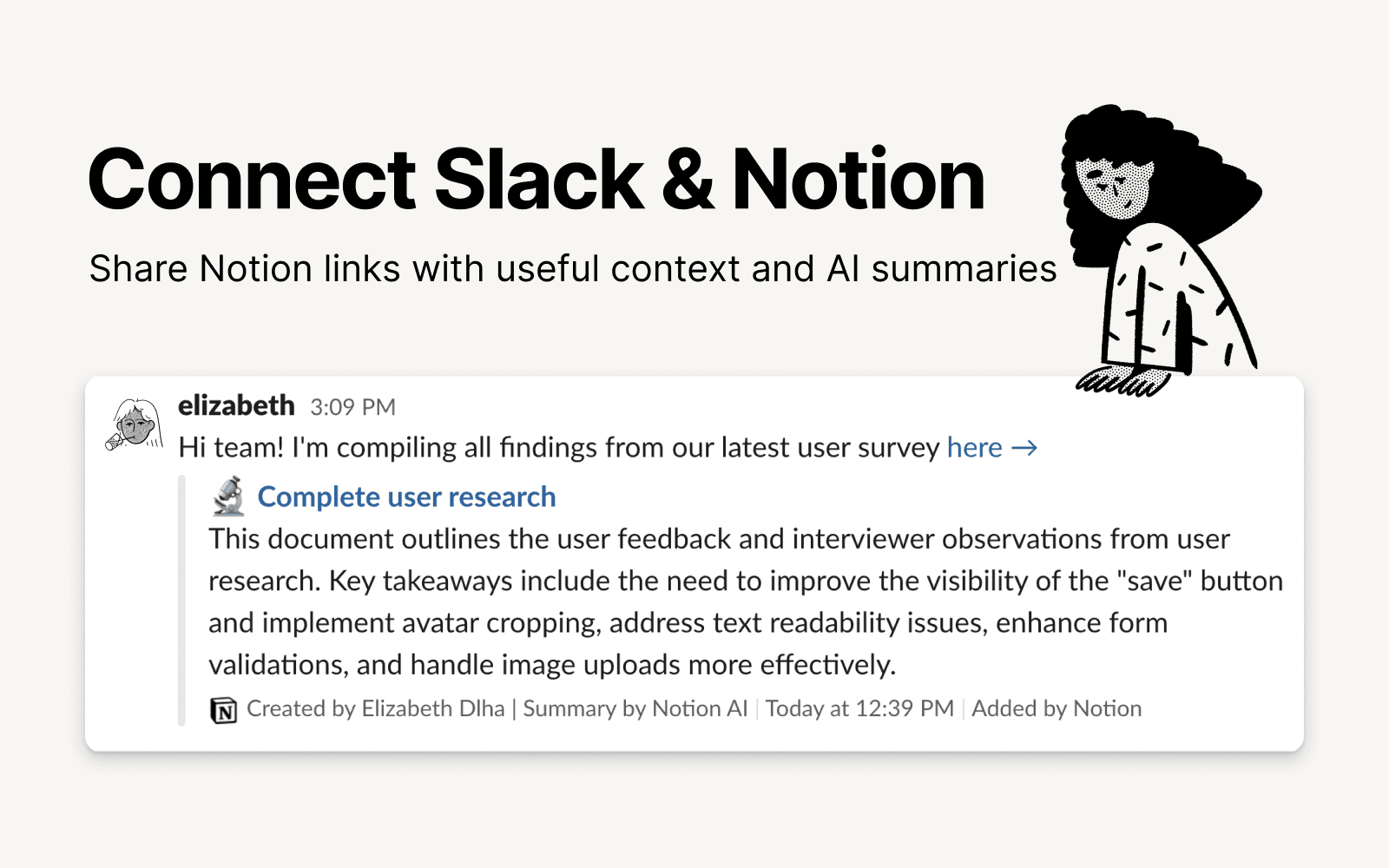
Slack is the productivity platform that connects people to the information they need. With Notion's integration for Slack, your team can seamlessly send messages to a Notion database, receive notifications in Slack, and share links that expand with useful information and AI summaries to streamline workflows and boost your productivity.
How to use
To use Slack and Notion together, you’ll be offered the option to install the integration at the following places:
When you paste a link from Notion into Slack you’ll receive a prompt to
Connect NotionFrom the database's
…menu at the top right → selectAutomations→ when setting up the automation, after adding a trigger, selectSend Slack notification to...as your automated action → you’ll be prompted toConnect Slackand choose a channel destination for the notificationsWhen setting up personal notifications by going to
Settings & members→My notifications & settings→Slack Notifications→Add new account
- 製作者:
- Notion
- 類別
- 生產力
- 協作
- 通訊
- 功能
- 連結預覽
更多整合
Kinetik
Creative agent for instagram builders
ChangeDeck
Publish product updates from Notion in minutes
BaseToPDF
Turn Notion databases and pages into professional PDFs
Bearify Contacts
Bearify Contacts Management
Panorama
more time for creativity, less repetitive work
Slice
Create secure, filtered views of your Notion databases for clients and stakeholders