連接圖示

Artemis

Overview

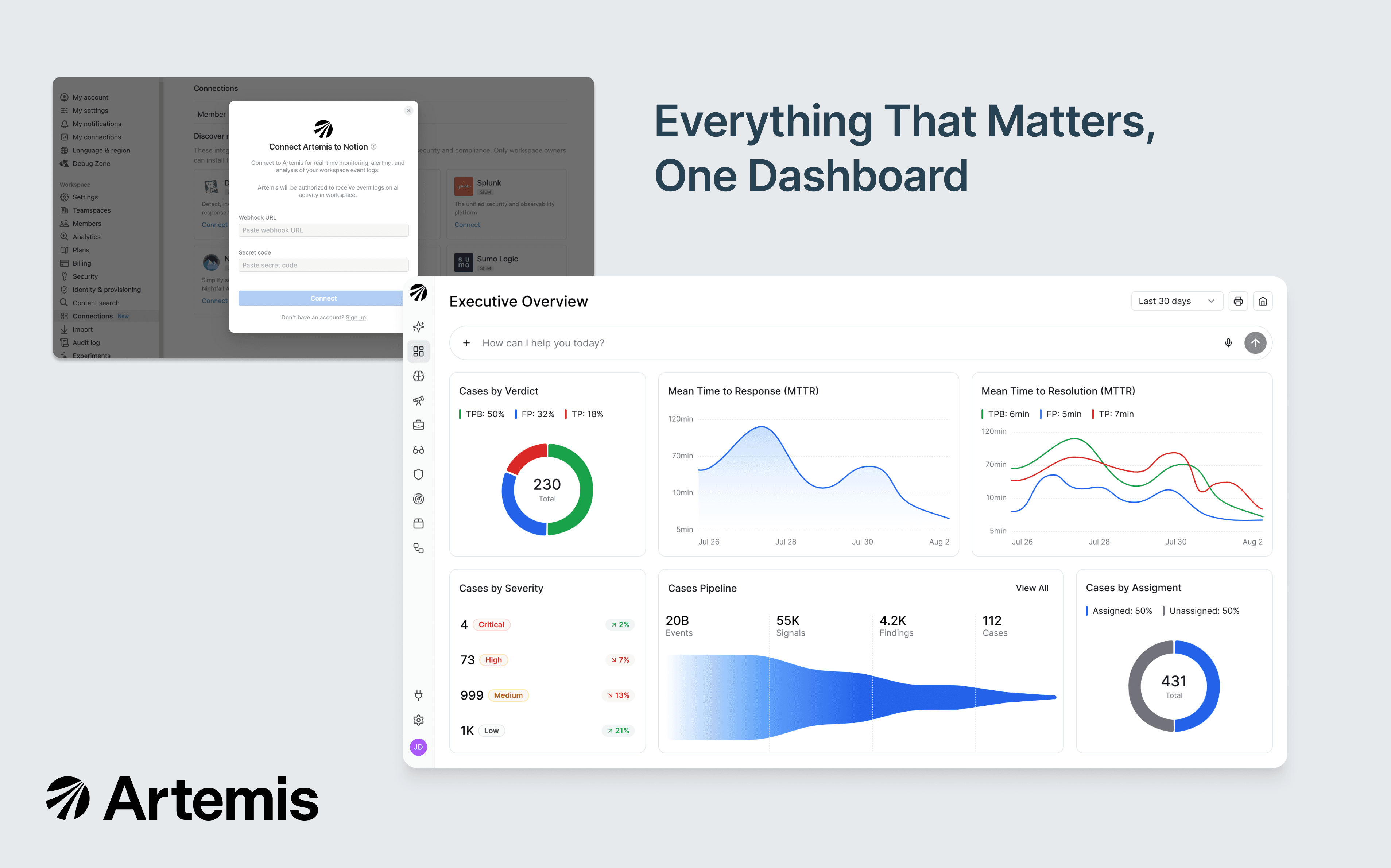
Artemis is an AI-native SIEM purpose-built for AI-speed attacks. This integration forwards your Notion audit logs to Artemis in real time, where adaptive detections (tuned automatically to your environment) flag unusual login activity, data exfiltration, permission changes, integration lifecycle events, and more. When Artemis surfaces a potential threat, agentic investigation correlates the Notion event with identity, cloud, endpoint, and SaaS context to deliver a complete attack story your security team can act on in minutes, not hours.

How to use

Only Notion Workspace Owners can install this integration as part of the Notion Enterprise plan.

  1. Log in to your Artemis portal and open Connectors → Add a Connector → Notion Audit Logs.

  2. Artemis displays a webhook URL and a workspace token.

  3. In Notion, as a Workspace Owner: Settings → Connections → Workspace tab → Artemis → Connect.

  4. Paste the Webhook URL and Token from your Artemis portal into Notion's Connect modal.

  5. Wait or trigger any activity in your Notion workspace (create or edit a new page) to deliver the first event.

  6. In your Artemis portal, click Connect and Validate — the connector flips to Enabled once the first event lands. Adaptive detections begin running automatically.

See the full setup guide in Artemis documentation.

在此提及的所有第三方商標(含標誌和圖示)皆為各自擁有者的財產。除非特別標明「使用 Notion 製作」,否則 Notion 不負責整合的支援和維護服務。整合所連接的第三方產品或服務將被視為「非 Notion 應用程式」(定義請見 Notion 的主要訂閱協議個人使用條款,如適用)。如啟用整合或使用 Notion 整合庫,即代表你同意 Notion 的整合庫條款.