版本 / 2.53
Notion 2.53: Offline mode
Work offline in Notion
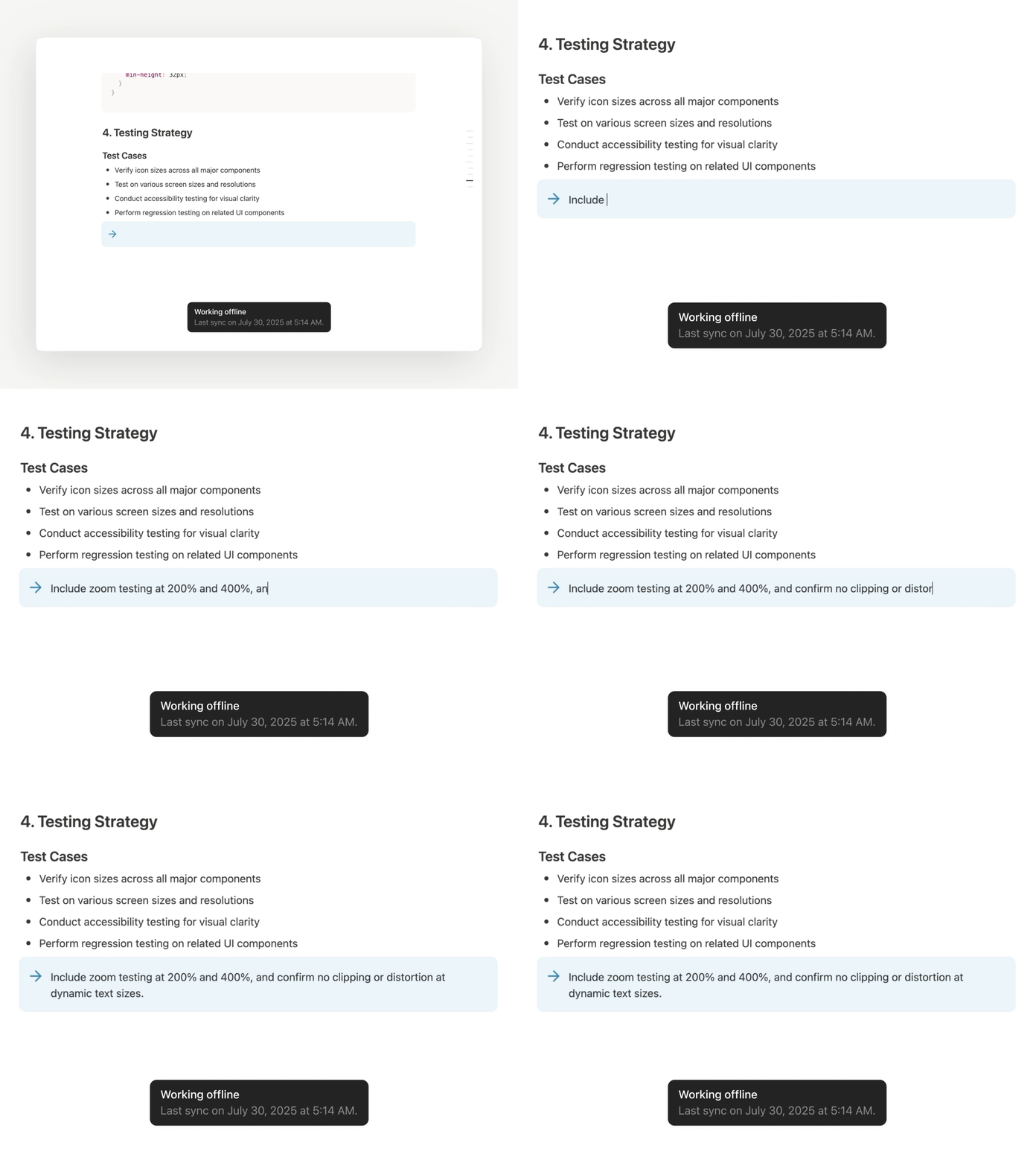
We’re excited to finally say it: you can access pages, capture ideas, and keep work moving on the Notion desktop and mobile app offline. Judging by Reddit, this is the feature everyone’s been waiting for. The most essential blocks work offline, with more on the way soon. Here's a quick guide to how offline works →
Download pages for offline use
You can download any page and use it without the internet (and even create new ones). Manage them all from the new offline dashboard (Settings → Offline). Your Recents and Favorites are auto-downloaded for offline use if you’re on the Plus, Business, or Enterprise plan. We’re starting here and we’ll keep making offline in Notion even better.

Notion Mail is now on iOS
We hope Notion Mail has been bringing some joy to your inbox. Now you can stay on top of your emails on the go (even offline!). Download the Notion Mail iOS app →

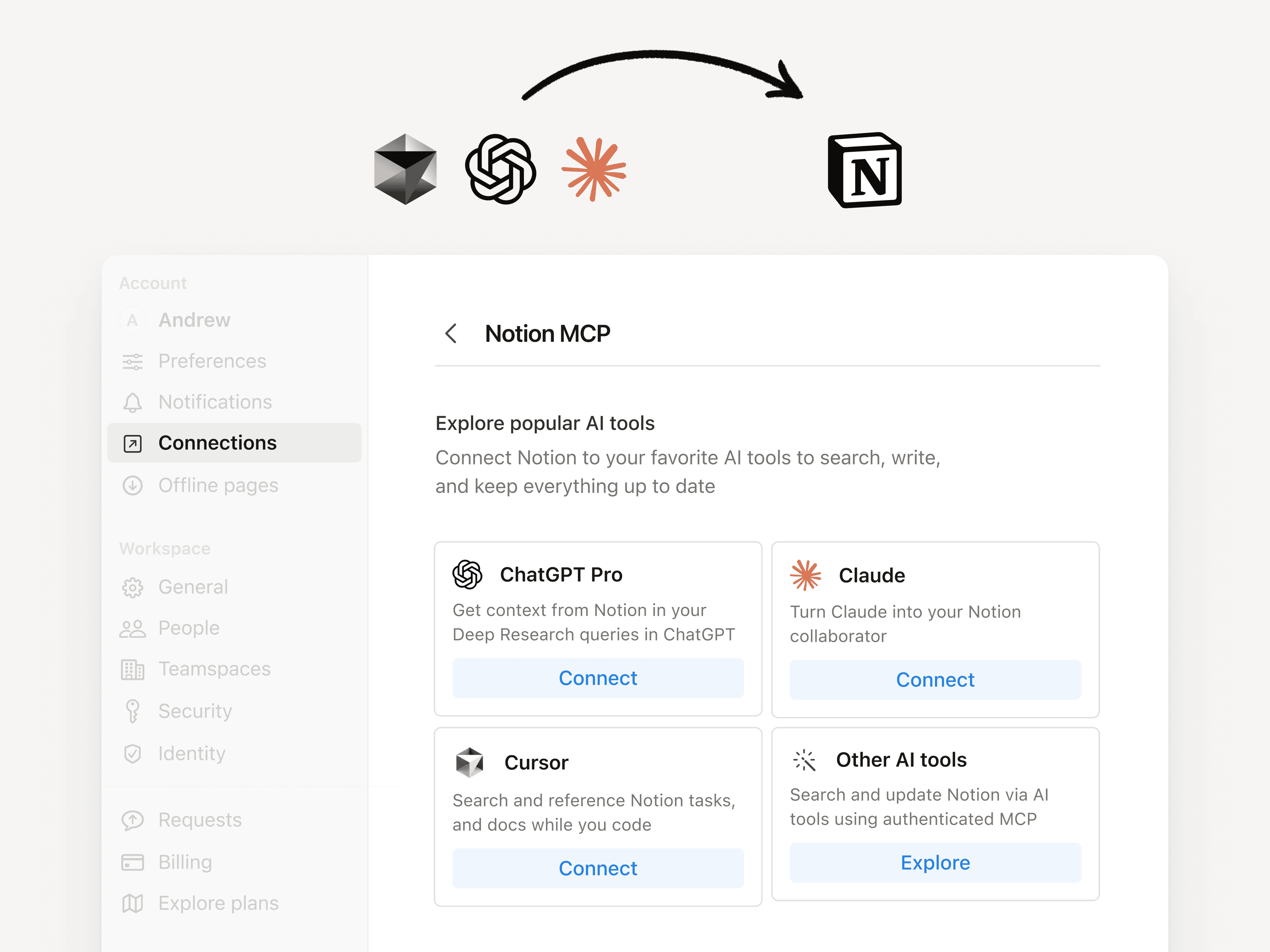
Use your favorite AI tools with Notion’s MCP
Notion’s Model Context Protocol (MCP) server lets your AI tools securely reference, create, and update content within Notion. Just connect ChatGPT, Claude, or Cursor to turn prompts into new Notion pages, updated tasks, and more. Check out these quick demos from ChatGPT and Claude, and our technical docs to learn more!
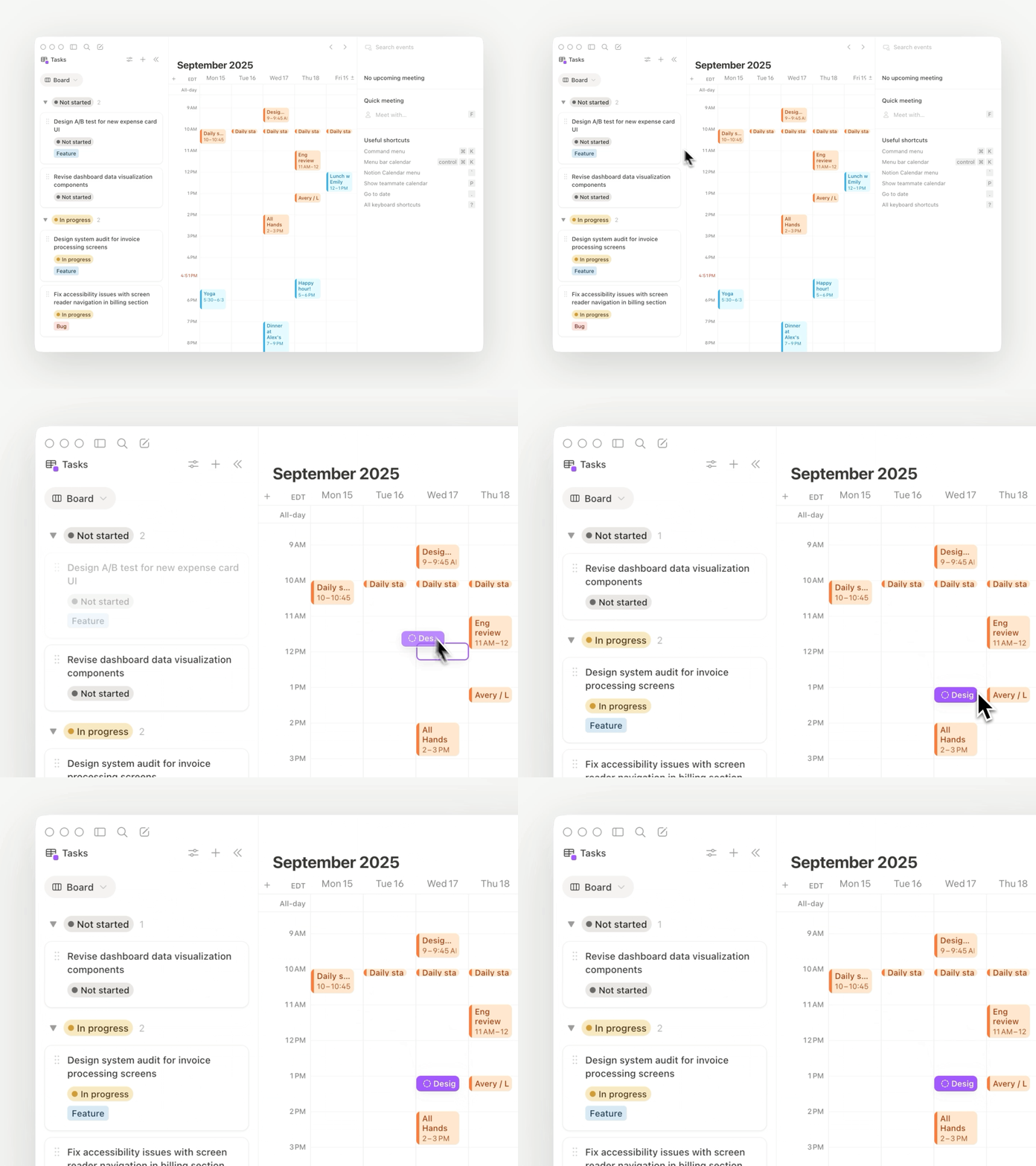
Create and manage tasks right in Notion Calendar
Manage your work—tasks, milestones, even personal goals—alongside your schedule. Connect any Notion database with dates to Calendar, then create, schedule, and complete tasks in the same place you plan your time. Here’s a quick guide to get started. Try out Notion Calendar (it's free) →