关于
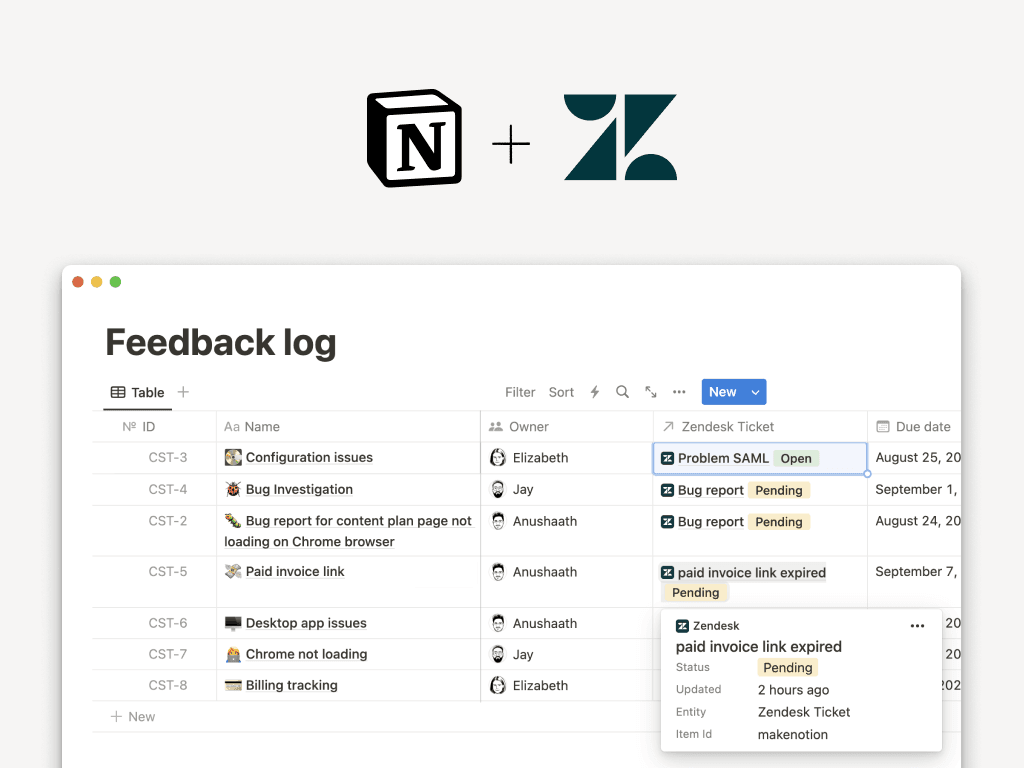
Zendesk is the champion of great service, connecting brands with hundreds of millions of customers over telephony, chat, email, messaging, social channels, communities, review sites and help centers. With this Notion Zendesk integration, you can connect your support workflows with the rest of your organization and help your teams collaborate in one place. You can preview live Zendesk tickets, their status and other key properties in Notion – and use database filters, views, rollups, and relations to create custom views of your projects.
如何使用
To create a preview of Zendesk tickets in Notion pages, copy the link of any Zendesk ticket link, paste it into Notion and select
Paste as previewTo link Zendesk tickets to items in your Notion database, add a new property to your database using the
+button at the top right of your database and selectZendesk TicketIf it’s your first time using Zendesk with Notion, you need to authenticate the integration following these steps
In your Notion workspace sidebar, select
Settings & membersHead into
My connections→Discover new connections→ selectZendeskandConnectOn the
Connect to Zendeskscreen, insert your Zendesk subdomainFollow the prompts to complete the sign-in and authentication process