About
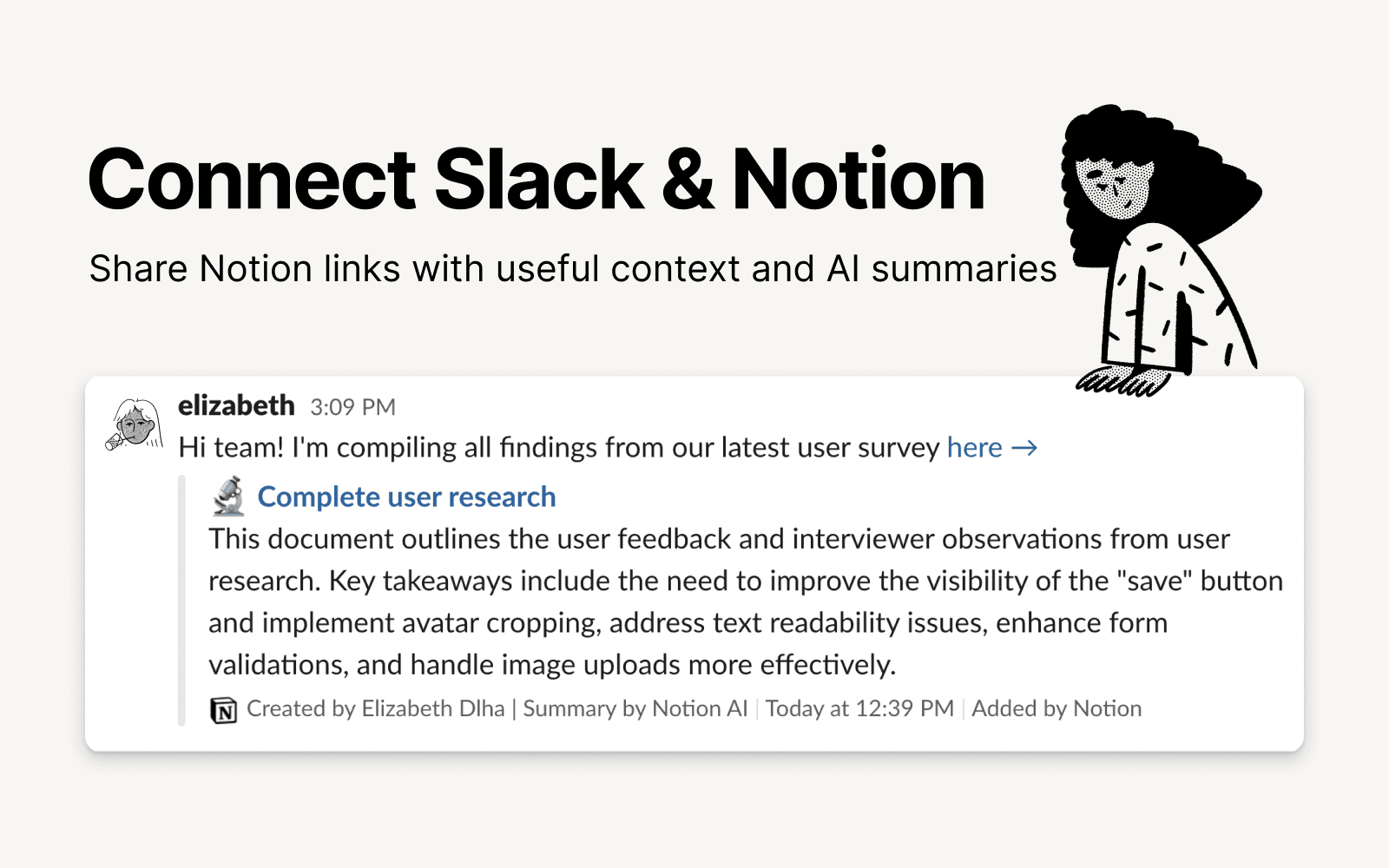
Slack is the productivity platform that connects people to the information they need. With Notion's integration for Slack, your team can seamlessly send messages to a Notion database, receive notifications in Slack, and share links that expand with useful information and AI summaries to streamline workflows and boost your productivity.
Functies
- Content Lezen, invoegen & bijwerkenKan pagina's, databases en blokken lezen, invoegen & bijwerken die met deze koppeling zijn gedeeld.
- Opmerkingen Lezen & toevoegenKan opmerkingen lezen & toevoegen op de pagina's en blokken waartoe het toegang heeft.
- Links vooraf weergevenHaalt links uit dit product op en toont uitgebreide, realtime voorvertoningen wanneer ze in Notion worden geplakt.
How to use
To use Slack and Notion together, you’ll be offered the option to install the integration at the following places:
When you paste a link from Notion into Slack you’ll receive a prompt to
Connect NotionFrom the database's
…menu at the top right → selectAutomations→ when setting up the automation, after adding a trigger, selectSend Slack notification to...as your automated action → you’ll be prompted toConnect Slackand choose a channel destination for the notificationsWhen setting up personal notifications by going to
Settings & members→My notifications & settings→Slack Notifications→Add new account